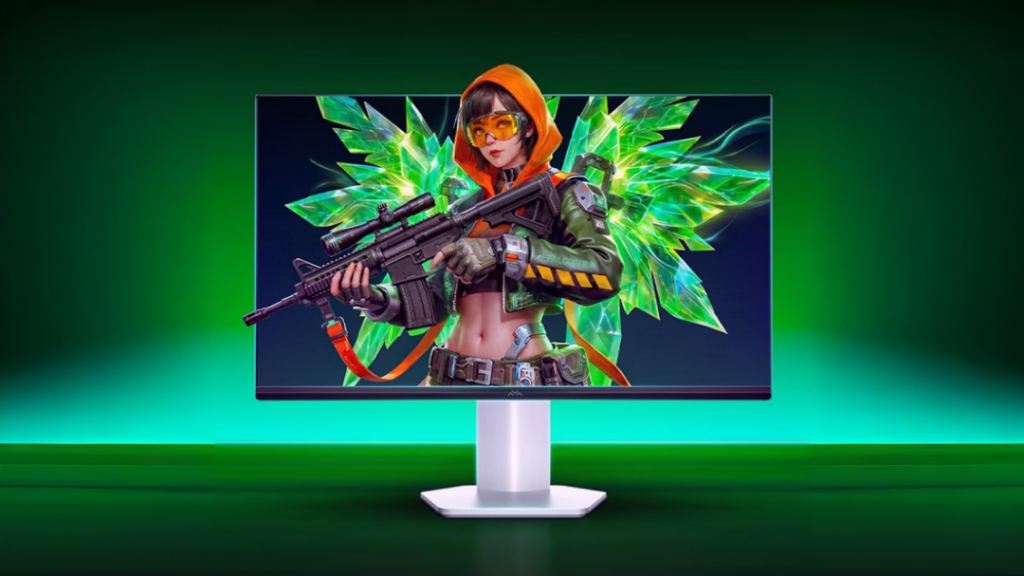
TCL’s FFALCON brand has launched the Thunderobot Q5AD YYDS Edition monitor in China. It’s a 24.5-inch 1080p display that hits a 300Hz refresh rate for an introductory price of 599 yuan (about $88). It is a straightforward budget monitor aimed directly at people playing competitive PC shooters.
Thunderobot Q5AD Monitor Specifications
While 1080p isn’t exactly a premium resolution these days, a 24.5-inch 1080p screen is still the standard setup for esports. If you are playing games like Counter-Strike 2, Valorant, or Overwatch, you are likely looking for high frame rates and low latency rather than 4K visuals.
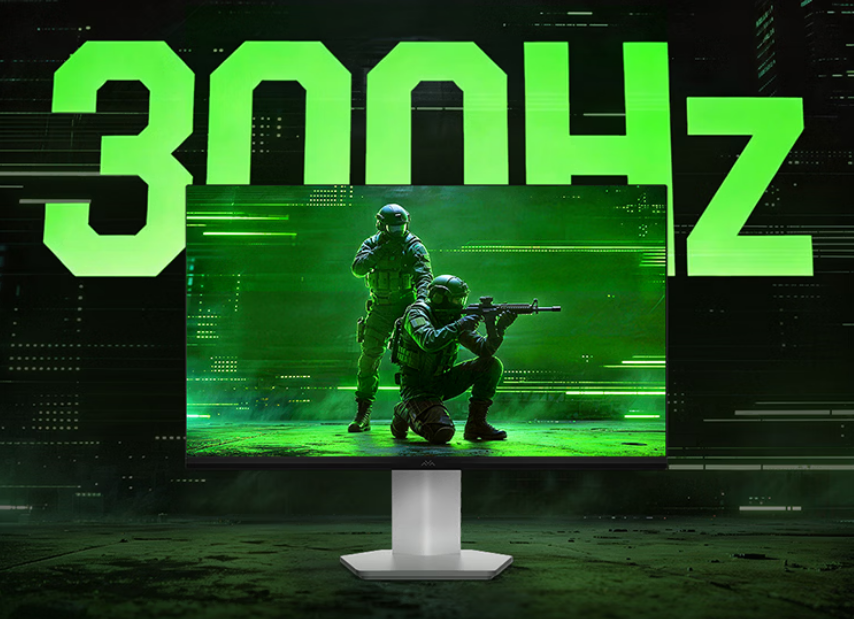
The monitor uses a Fast IPS panel manufactured by CSOT. It runs natively at 280Hz, but you can overclock it to 300Hz if you connect it via a DisplayPort cable. Thunderobot lists a 1ms gray-to-gray response time and includes some built-in overdrive and motion blur reduction settings (MPRT-Plus) to help keep fast-moving images looking clear.
For a budget monitor, the color specifications are decent. It supports 10-bit color (using 8-bit + FRC) and covers 99% of the sRGB color space, along with 93% of DCI-P3. Thunderobot says the monitors are factory-calibrated to a Delta E of less than 2, so the colors should be reasonably accurate right out of the box. It also has a peak brightness of 400 nits and basic HDR400 support.
The physical design is pretty basic, but it has a few practical touches for PC gaming. The stand has a small, hexagonal base, which is meant to free up desk space for larger mousepads and wide mouse movements. It only supports basic tilt adjustments (from -5° to 15°), though, so you cannot change the height or pivot the screen. To help with eye strain during longer sessions, the display uses hardware-level low blue light filtering and DC dimming to reduce screen flicker.
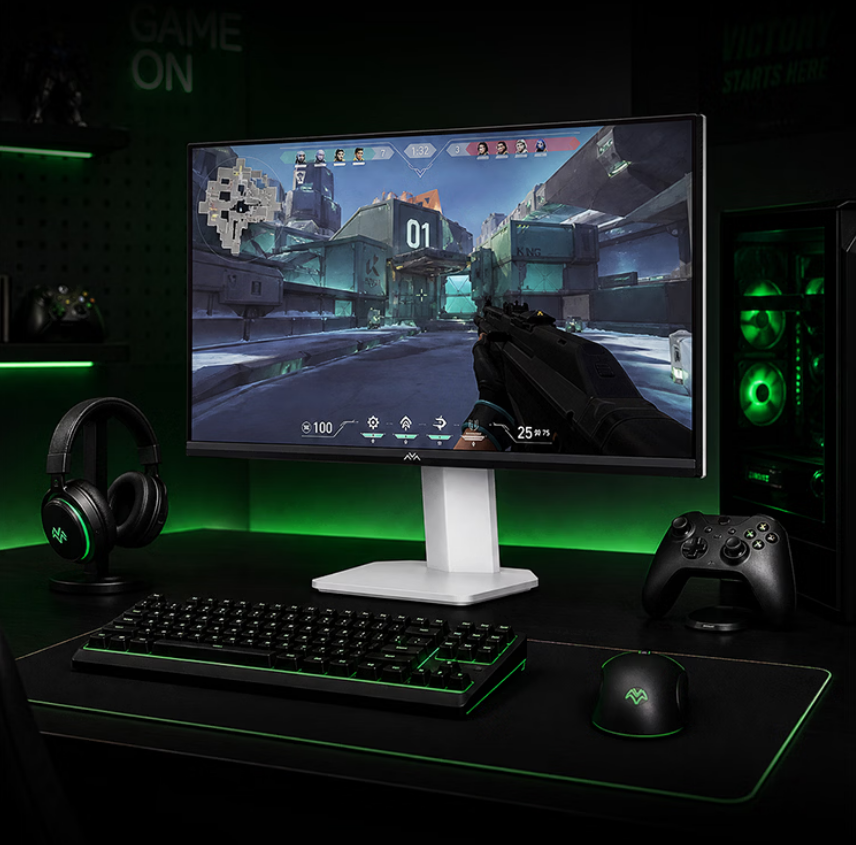
On the software side, it supports AMD FreeSync Premium and is compatible with Nvidia G-Sync to help prevent screen tearing. There are also a few built-in gaming features, like a dark scene booster to help you see in shadows and a dynamic crosshair.
The port selection is minimal but covers the basics: one DisplayPort 1.4 (which you need to use for the 300Hz refresh rate), one HDMI 2.0 port (which is capped at 240Hz), and a standard 3.5mm headphone jack. You navigate the monitor’s settings using a standard five-way joystick on the back.
In related news, Thunderobot has also launched the 25Q5A gaming monitor featuring a 1080p 300Hz Mini LED display.